New in Nuclino: MCP and API improvements, redesigned settings, and more

This update gives AI assistants more ways to work with Nuclino, makes settings easier to navigate, and adds a few small enhancements that make everyday work smoother.
Let's dive in.
MCP and API improvements
We've continued improving Nuclino's MCP and API support, giving connected tools better ways to read, create, and update your content.
Updating fields via MCP
AI assistants and integrations can now update fields. For example, you could ask your assistant to update the status of a project, change the owner of an item, or add a due date.
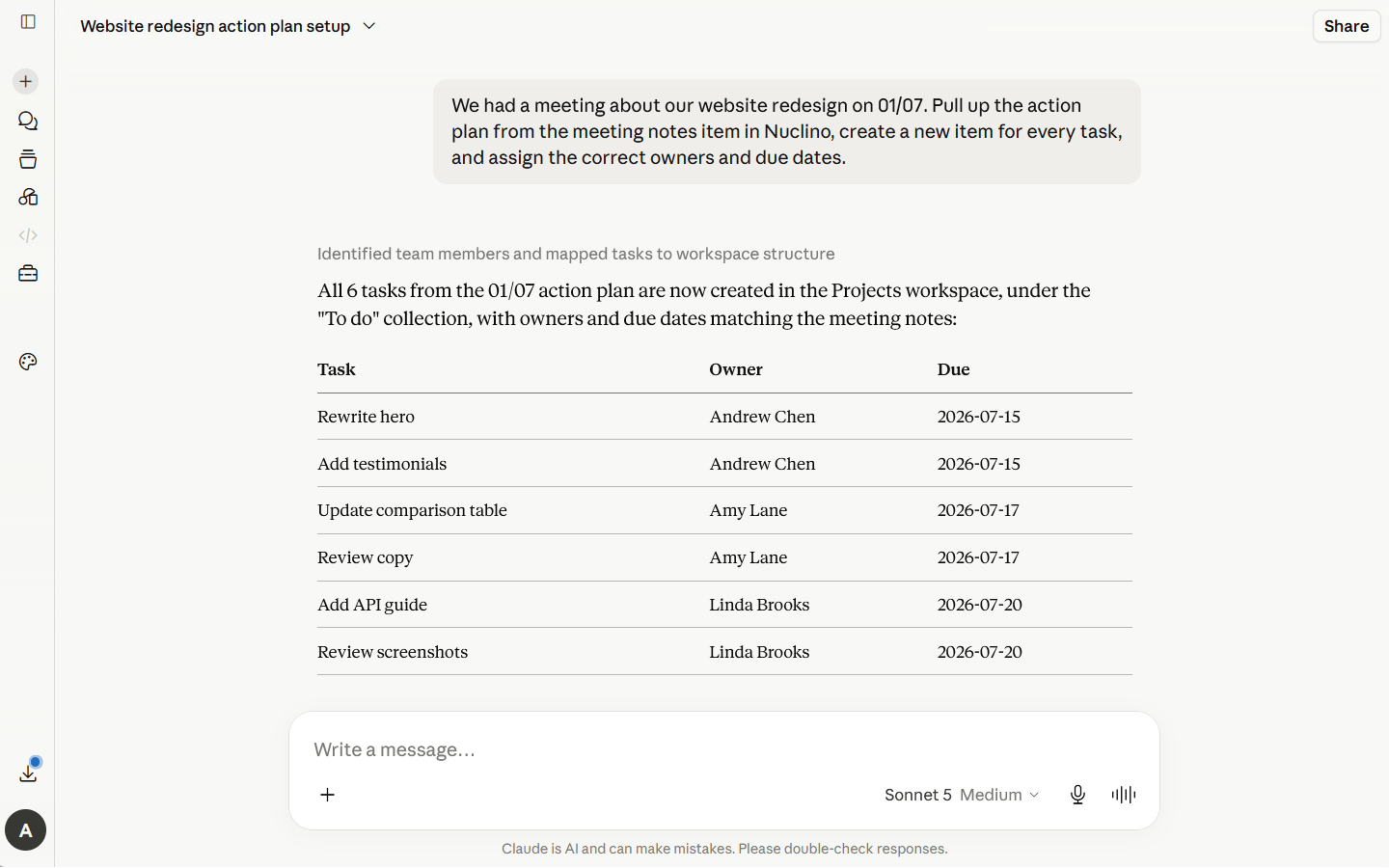
More precise content edits
Connected tools can now update a specific part of an item, without replacing the rest of the content. Ask your assistant to adjust one sentence or fix a typo, and it will make that exact change while leaving everything else untouched.
Better table support
Complex Markdown tables, including tables with multi-line cells, are now supported when imported into Nuclino, and when their content is created or updated through the API or MCP.
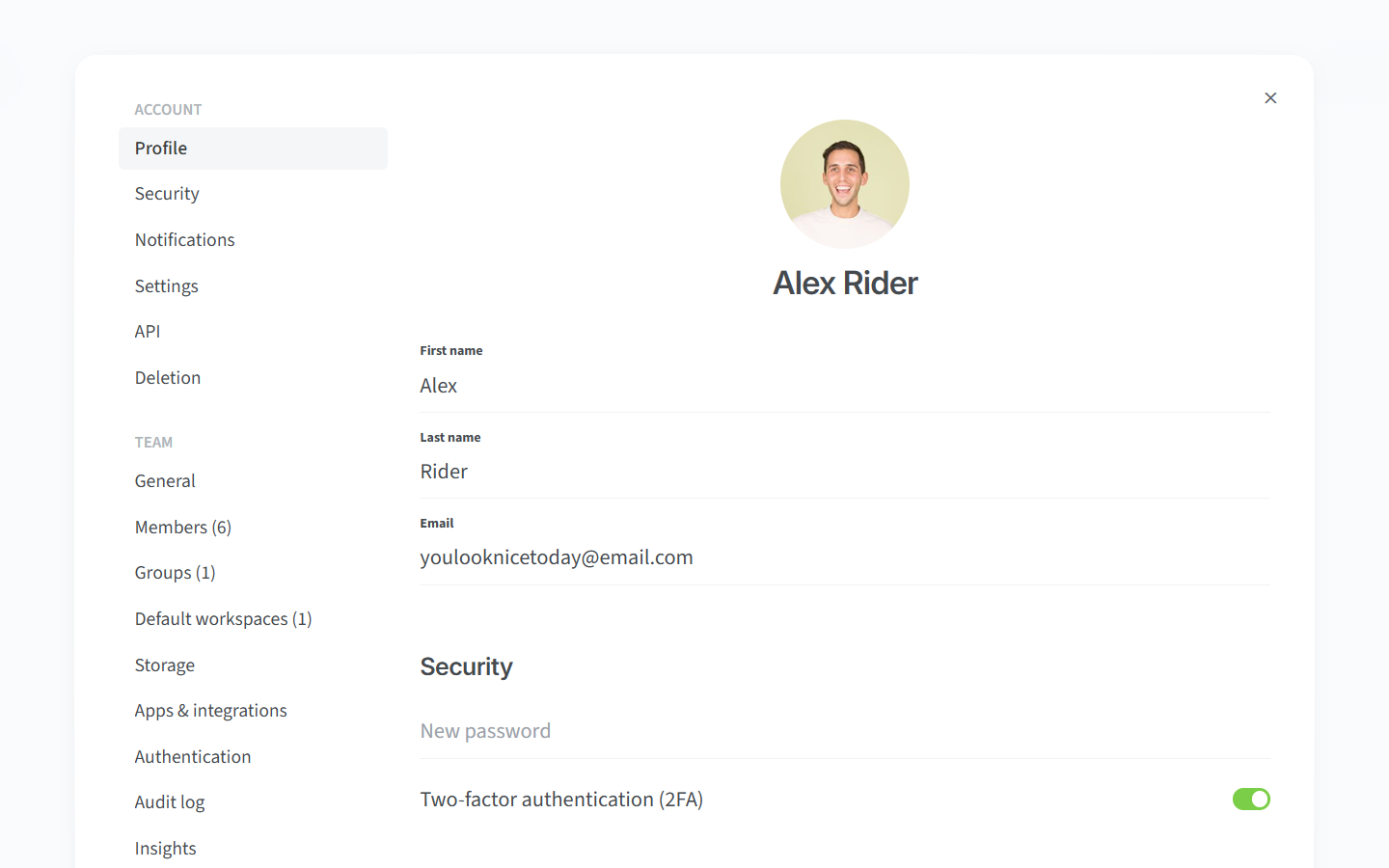
All settings in one place
We've redesigned the settings to make it easier to find what you need. Team, workspace, and profile settings are now grouped together in one place, with simpler navigation and quicker switching between sections.
Other small but impactful changes
It's often the details that make the biggest difference. Here are a few more improvements included in this update:
Version history now makes it easier to review separate editing sessions. When you come back to an item after a longer pause and continue editing, Nuclino creates a fresh snapshot automatically.
The date picker now lets you jump between years faster, so you can more easily pick dates further in the past or future.