New in Nuclino: Images in board view, faster search, smarter Sidekick, and more
It’s Halloween, and we’ve got some treats for you – plus a few new tricks from Sidekick!
This month, your boards got a visual upgrade with item cover images, the search picked up a bit more speed, and Sidekick learned to give more helpful responses.
Let’s unwrap what’s new.
Images in board view
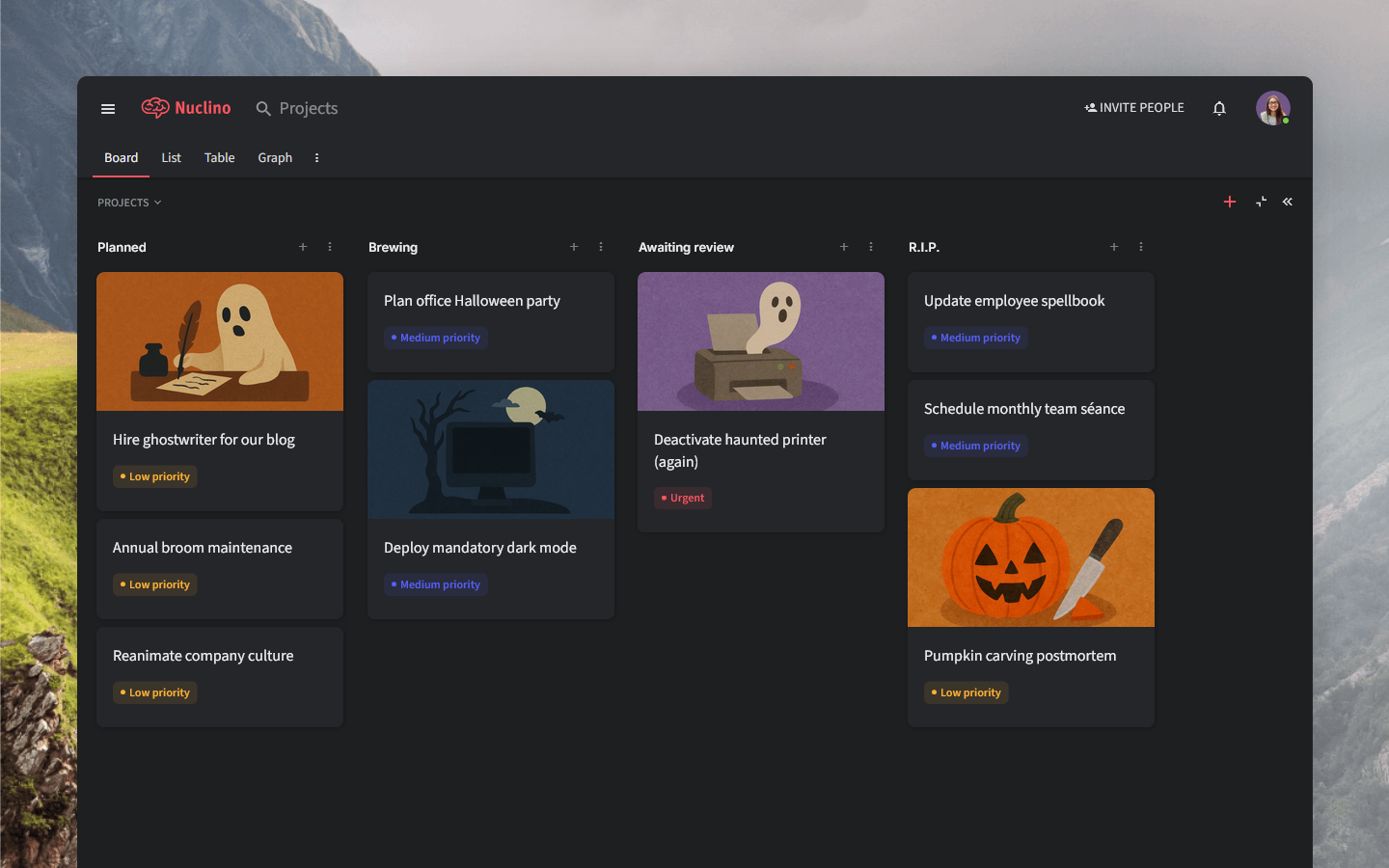
Items in your board view can now have cover images! It's a great way to give your projects, design assets, or ideas a bit more personality and context – and simply make your boards easier to scan (and nicer to look at).
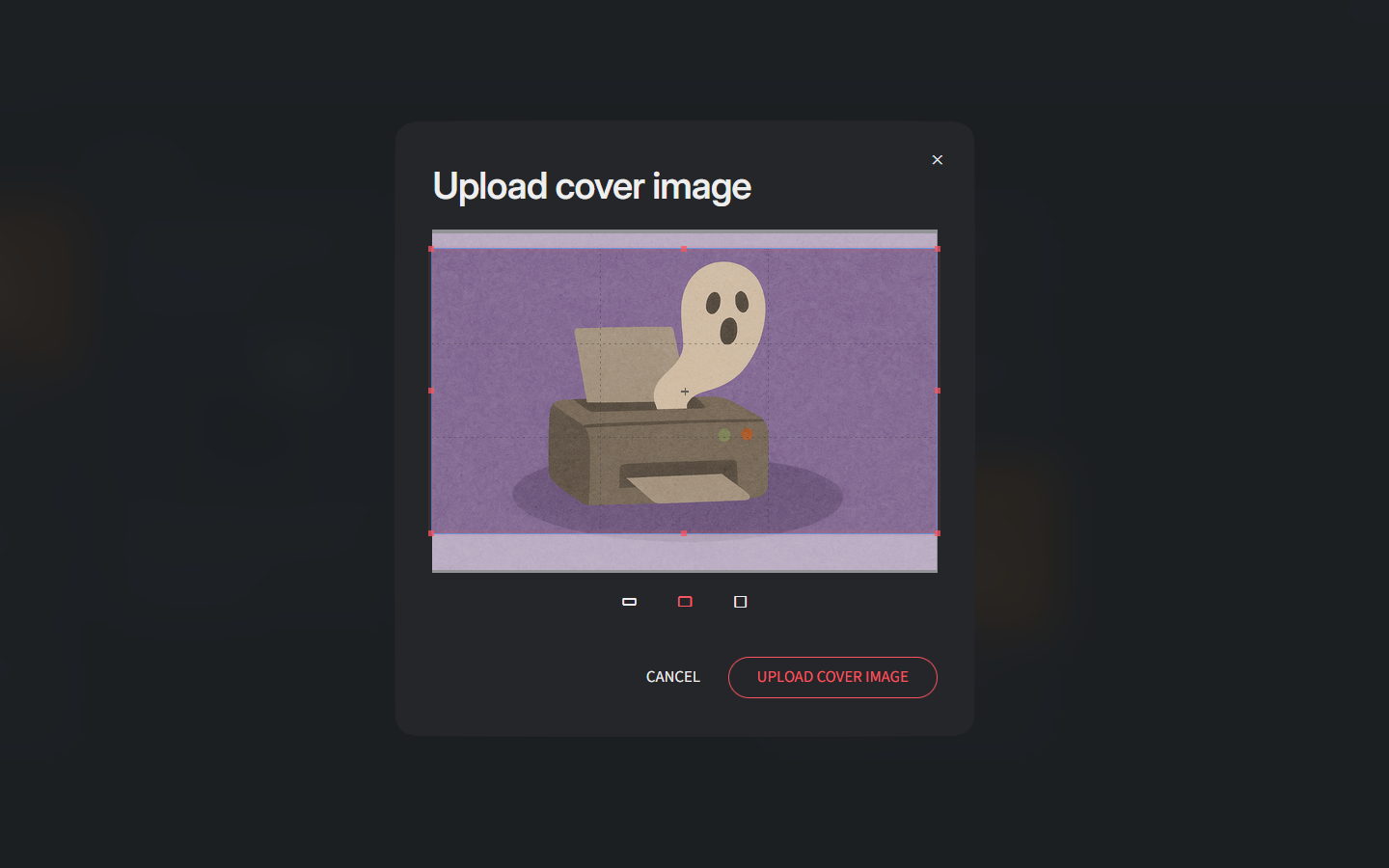
To set a cover image, right-click any item in the board view, select Add cover image, and choose the aspect ratio you prefer.
Faster search
We’ve made search a bit snappier! It's now around 10% faster when searching across all workspaces. While you probably won’t time your searches, you’ll feel the difference when the results pop up just a bit quicker every time.
It's part of our ongoing effort to make Nuclino feel even more responsive – because waiting breaks focus. More improvements are already in the works!
Smarter Sidekick (AI)
Sidekick just leveled up! It’s now smarter, more helpful, and better at understanding context. You’ll notice more accurate answers and a general sense that Sidekick “gets” you a little better.
Other small but impactful changes
It's often the details that define the entire experience. Here are some of the improvements we've released since our last update:
You can now click below the editor to easily add a new empty paragraph.
Inline code formatting got a few small visual refinements.
Empty headings now show a placeholder, making it easier to see where section titles should go.